

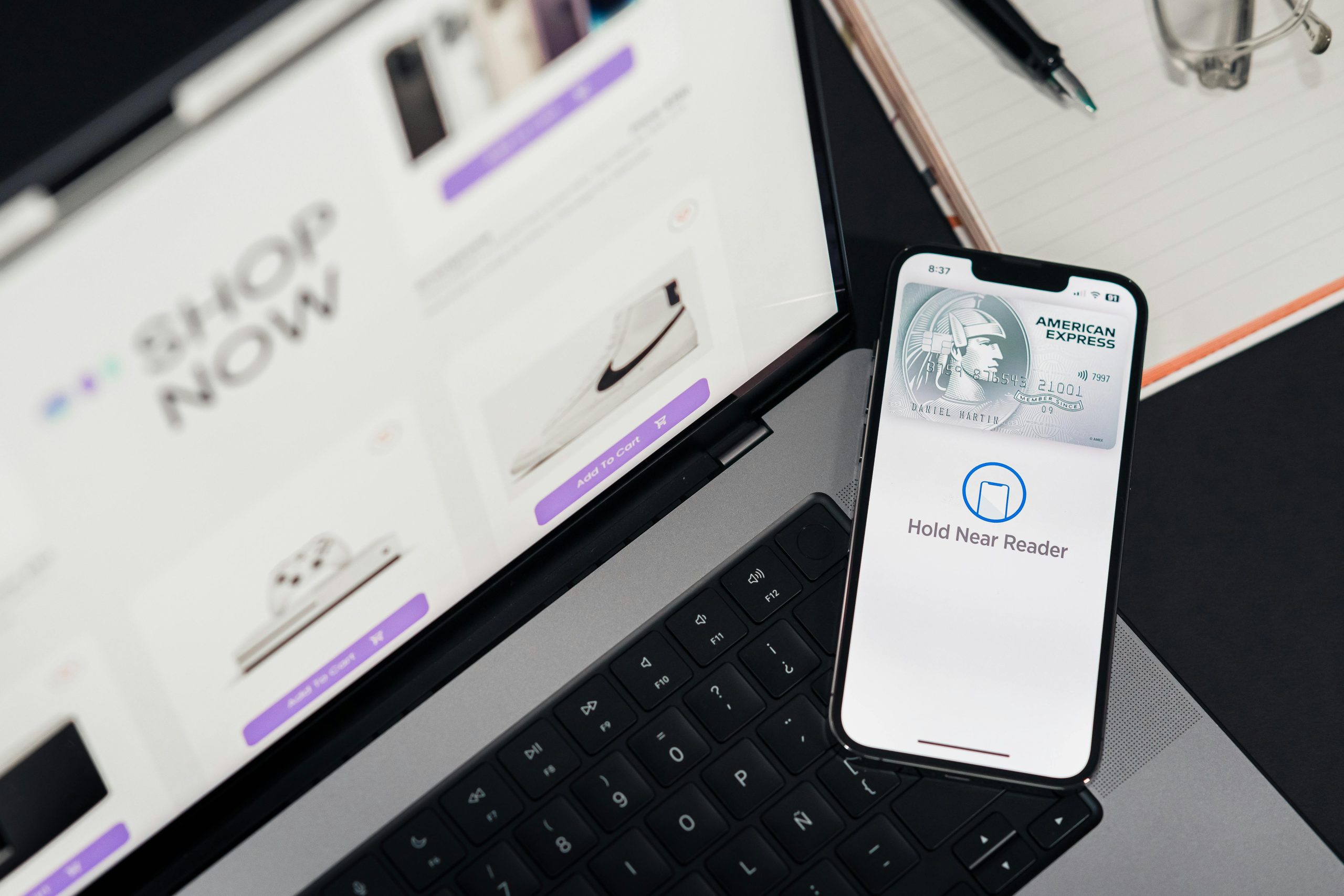
A fast-loading WooCommerce store is key to keeping your visitors happy and boosting sales. In the UAE, where competition is high and customer expectations are growing, speed matters. Whether your online store is in Dubai or anywhere else in the region, improving your site speed can lead to better conversions, improved user experience, and higher search engine rankings.

Below are simple, actionable tips to optimize your WooCommerce store’s speed.
Why Speed Matters for Your WooCommerce Store
- Better User Experience – Customers don’t like to wait. A fast site keeps them engaged.
- Higher Conversion Rates – Speed boosts sales by reducing cart abandonment.
- Improved SEO – Google rewards faster websites with better rankings.
- Mobile Performance – In the UAE, mobile shopping is on the rise. A faster mobile site means happier customers.
1. Choose a Fast Hosting Provider
Your web hosting plays a big role in speed.
- Go for a WooCommerce-optimized host
- Choose a data center close to Dubai or the UAE
- Opt for cloud hosting or VPS instead of shared hosting
2. Use a Lightweight WooCommerce Theme
Not all themes are built for speed.
- Choose minimal themes optimized for performance
- Avoid bulky, feature-heavy themes
- Test theme speed using tools like GTmetrix
3. Compress and Optimize Images
Images can slow your site down if not optimized.
- Use JPEG or WebP formats
- Resize large images before uploading
- Use plugins like Smush or ShortPixel
4. Enable Caching
Caching reduces load times for repeat visitors.
- Use a caching plugin like WP Rocket or W3 Total Cache
- Enable both browser and server-side caching
- Clear your cache regularly after updates
5. Minimize Plugins
Too many plugins can drag your site speed down.
- Deactivate and delete unused plugins
- Use multi-function plugins to reduce total load
- Test your site speed before and after adding plugins
6. Optimize Your Database
A clean database = faster site.
- Use plugins like WP-Optimize
- Regularly clean up spam comments, revisions, and trash
- Limit post revisions in your settings
7. Use a Content Delivery Network (CDN)
A CDN helps serve your content faster across the UAE.
- Distributes your site across global servers
- Reduces load on your origin server
- Popular options: Cloudflare, BunnyCDN
8. Enable Lazy Loading
Lazy loading improves load time by delaying image loading until users scroll.
- Built into WordPress 5.5+
- Plugins like a3 Lazy Load can help
- Use it for images, videos, and iframes
9. Keep WooCommerce and Plugins Updated
Updates often contain performance improvements.
- Always use the latest version of WooCommerce
- Regularly update themes and plugins
- Backup your site before updating
10. Use Speed Testing Tools
Track your progress using reliable tools.
- GTmetrix
- Google PageSpeed Insights
- Pingdom Tools
These tools help you identify what’s slowing your site and how to fix it.
Local Tip: Speed Matters in the UAE Market
Shoppers in Dubai and across the UAE expect fast, smooth online shopping experiences. Slow websites lose trust and traffic. Make sure your online store matches the speed expectations of UAE customers.
Bonus Tip: Combine Speed with SEO
Speed is just one part of growing your WooCommerce store. For full success, combine it with SEO. Check out the Complete SEO Guide for WooCommerce UAE to learn how speed, keywords, and content can work together to bring you more traffic and sales.
Final Thoughts
Improving your WooCommerce speed doesn’t have to be hard. With these easy steps, you can give your customers in Dubai and the UAE a fast, smooth experience that leads to more sales.
Remember:
- Use fast hosting
- Optimize images and themes
- Clean up your database
- Keep everything updated
By applying these WooCommerce speed tips, you’ll set your online store up for success.