

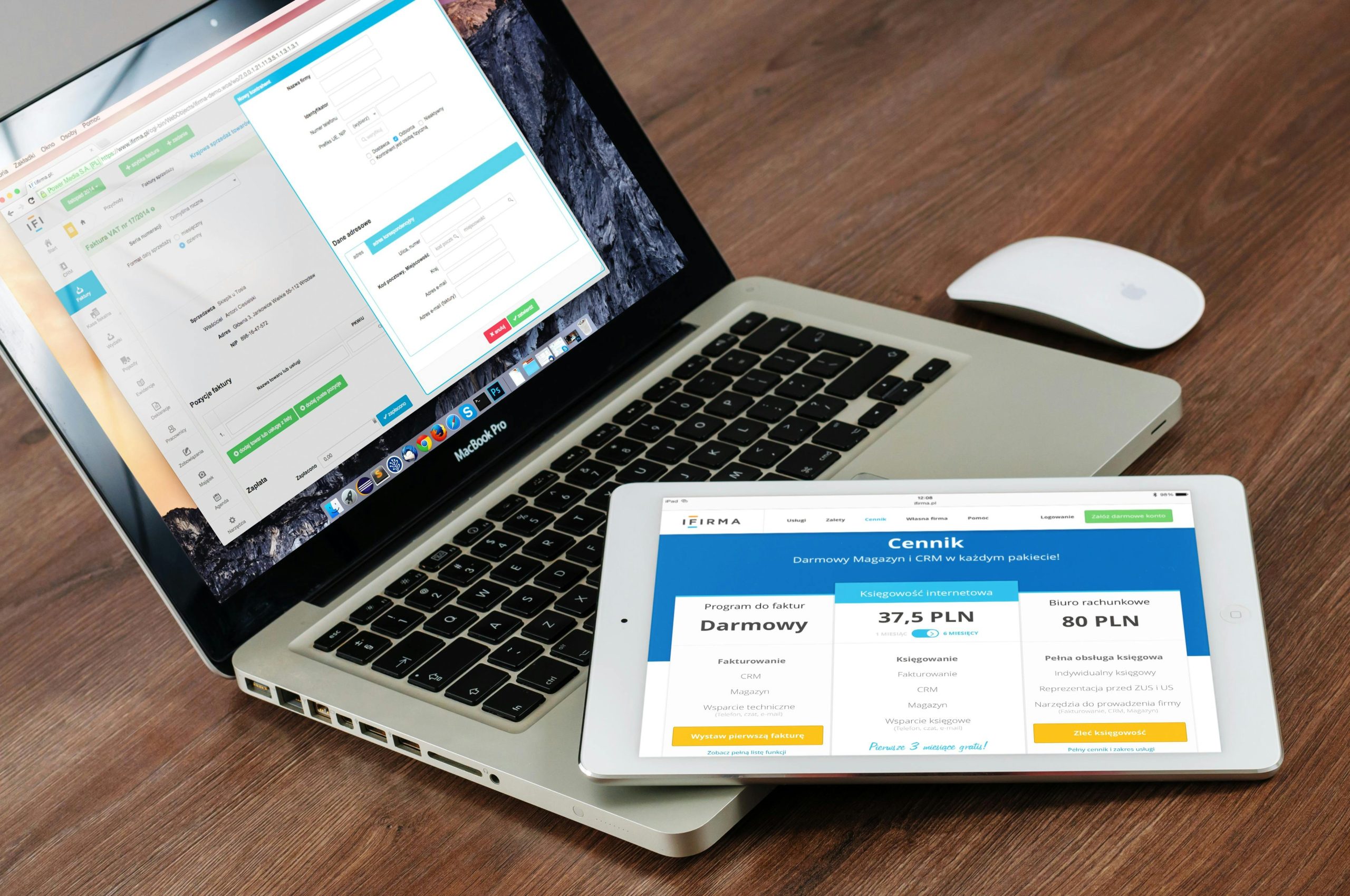
Running a WordPress website is not a one-time job. To keep your site fast, secure, and working smoothly, you need Monthly WordPress maintenance. Many website owners in Dubai, UAE, and other regions face issues simply because regular maintenance is ignored.
In this blog, we will explain the top WordPress maintenance tasks you should do every month. The language is simple, and the steps are easy to follow, even if you are not a technical person.
Why Monthly WordPress Maintenance Is Important
Monthly maintenance helps your website stay healthy and problem-free.
Benefits of Monthly WordPress maintenance:
-
Prevent website crashes
-
Improve website speed
-
Protect your site from hackers
-
Avoid data loss
-
Keep visitors happy
Many businesses in UAE depend on their websites for leads and sales. A small issue can cause big losses if ignored.
1. Create Regular WordPress Backups
Backups are the most important part of any WordPress backup and maintenance plan.
If something goes wrong, backups help you restore your website quickly.
What to do monthly:
-
Take a full website backup
-
Backup files and database
-
Store backups in cloud storage
Why it matters:
-
Helps in how to fix a crashed WordPress site
-
Saves time and money
-
Protects your data from errors and hacking
For business websites in Dubai and UAE, backups are a must.
2. Update WordPress Core, Themes, and Plugins
Outdated software is one of the main reasons websites crash.
Monthly update checklist:
-
Update WordPress core
-
Update all plugins
-
Update active themes
Important tips:
-
Always take a backup before updates
-
Update one plugin at a time
-
Check website after each update
This task helps improve performance and security.
3. Check Website Security Issues
Security threats are common for WordPress websites.
Monthly security tasks:
-
Scan for malware
-
Check for suspicious login attempts
-
Change weak passwords
-
Enable two-factor authentication
This step is essential for How to Maintain WordPress Website Speed and Security.
Websites in UAE often face automated attacks, so regular security checks are important.
4. Monitor Website Uptime and Errors
Sometimes websites go down without the owner knowing.
What to check monthly:
-
Website uptime
-
Error pages (404 errors)
-
Broken links
-
Server response issues
Why this helps:
-
Improves user experience
-
Helps search engine rankings
-
Prevents long downtime
If your site crashes, knowing early makes how to fix a crashed WordPress site easier.
5. Clean WordPress Database
Over time, your database stores unnecessary data.
Database cleanup includes:
-
Removing spam comments
-
Deleting old post revisions
-
Clearing unused data
-
Removing trashed posts
Benefits:
-
Faster website loading
-
Better performance
-
Less server load
This task supports Monthly WordPress maintenance and keeps your site light.
6. Optimize Website Speed
Website speed affects user experience and SEO.
Monthly speed tasks:
-
Check page loading speed
-
Optimize images
-
Clear cache files
-
Remove unused plugins
Speed optimization is a big part of How to Maintain WordPress Website Speed and Security.
Slow websites lose visitors, especially for online businesses in Dubai and UAE.
7. Test Website Forms and Features
Forms are important for leads and contact requests.
Monthly testing includes:
-
Contact forms
-
Newsletter signup forms
-
Login and registration pages
-
Checkout process (if applicable)
Why it matters:
-
Prevents lost leads
-
Improves customer experience
-
Ensures smooth functionality
This is often ignored but very important.
8. Review User Accounts and Permissions
Too many users with admin access can be risky.
Monthly user checks:
-
Remove inactive users
-
Change roles if needed
-
Check admin permissions
-
Remove suspicious accounts
This improves website security and reduces risks.
9. Check SEO and Broken Links
SEO issues can hurt your website traffic.
Monthly SEO tasks:
-
Fix broken links
-
Check missing pages
-
Review meta titles and descriptions
-
Ensure pages are indexed properly
Healthy SEO supports business growth, especially in competitive markets like UAE.
10. Review Website Logs and Performance Reports
Logs show what happens behind the scenes.
Monthly checks include:
-
Error logs
-
Security logs
-
Traffic reports
-
Performance reports
These insights help you detect issues early and plan improvements.
How to Automate WordPress Maintenance Tasks Safely
Automation saves time and reduces manual work.
Tasks you can automate:
-
Scheduled backups
-
Security scans
-
Plugin updates
-
Performance monitoring
Tips for safe automation:
-
Use trusted tools
-
Avoid auto-updating everything
-
Monitor results regularly
-
Keep manual backups as backup
How to Automate WordPress Maintenance Tasks Safely helps business owners focus on growth instead of technical work.
Should You Use a WordPress Backup and Maintenance Plan?
For many website owners, monthly tasks can feel overwhelming.
A WordPress backup and maintenance plan helps by:
-
Handling updates and backups
-
Monitoring security issues
-
Fixing errors quickly
-
Providing peace of mind
This is especially useful for business websites in Dubai and across UAE.
Final Thoughts
Monthly WordPress maintenance is not optional. It keeps your website secure, fast, and reliable.
By following these tasks:
-
You reduce website crashes
-
You improve performance
-
You protect your data
-
You ensure long-term success
Whether you manage your site yourself or use a WordPress backup and maintenance plan, regular care is the key to a healthy website.