

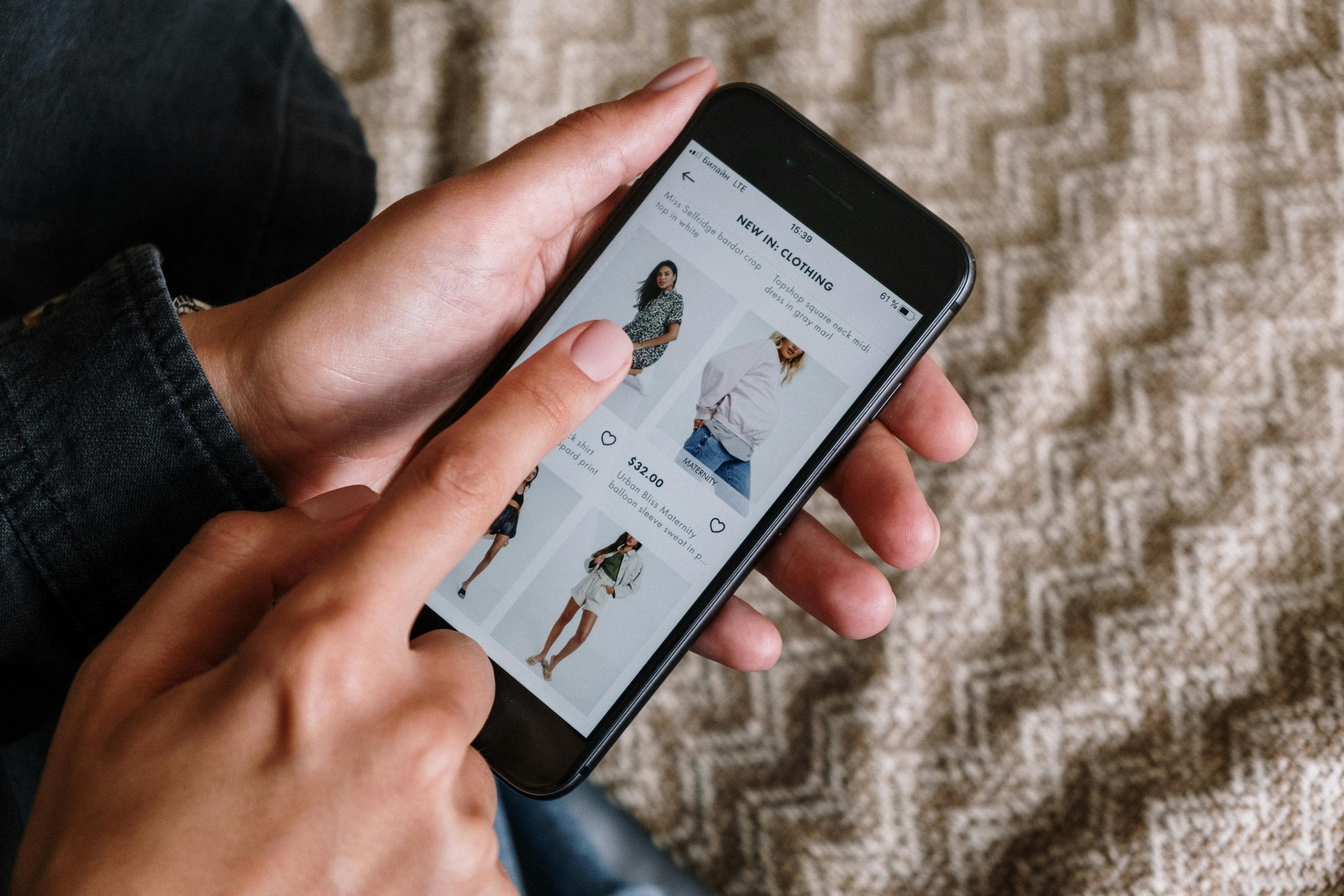
A great mobile shopping experience doesn’t end at browsing products — it ends when the customer successfully places an order. However, many users abandon their carts at the final step: checkout. If you’re into e-commerce app development, making the checkout process smooth and simple is one of the most important things you can do.
Whether you’re a mobile app agency or a business owner working with a mobile app development team, improving the checkout experience can lead to higher sales and happier customers — especially in competitive markets like Dubai and across the UAE.
Let’s dive into practical ways to improve the checkout process in your shopping app.
Why Checkout Experience Matters
Before we get into the tips, let’s look at why checkout experience is so important in the UAE market:
- High Cart Abandonment Rates: A complicated or slow checkout leads to lost sales.
- Mobile-First Audience: Most UAE shoppers use mobile phones, so the app must work perfectly.
- Customer Expectations: Shoppers in Dubai expect fast, secure, and local-friendly checkout options.
By following the best practices in e-commerce app development, you can turn more visitors into paying customers.
1. Offer Guest Checkout
Forcing users to create an account before placing an order often leads to frustration. Many just leave the app.
What to do:
- Allow guest checkout for first-time buyers.
- Ask users to sign up after purchase, not before.
- Save email addresses for future marketing.
Offering guest checkout makes it easier for casual buyers, especially tourists or first-time users in Dubai.
2. Keep It Short and Simple
Long, confusing forms can kill the checkout process.
Tips to simplify checkout:
- Use only necessary fields (name, address, phone, email).
- Auto-fill details when possible.
- Break checkout into 2-3 simple steps.
A streamlined process is a key element in modern E-commerce App UI/UX Design Trends in the UAE.
3. Show a Clear Progress Indicator
Let users know where they are in the process by showing a progress bar at the top.
Benefits:
- Reduces confusion and stress.
- Encourages users to complete the process.
- Looks clean and professional.
Many mobile app agency designers include this as part of a great user experience.
4. Provide Multiple Payment Options
Shoppers in the UAE have different preferences when it comes to payment methods.
Include options like:
- Credit/Debit Cards
- Apple Pay
- Samsung Pay
- Local wallets (e.g., Payit, Etisalat Wallet)
- Cash on Delivery (COD)
More options mean fewer drop-offs. A good mobile app development team can help integrate secure payment gateways easily.
5. Make Address Entry Easy
Typing in a full address on mobile can be annoying.
What to include:
- Auto-location with GPS.
- Address lookup using postal code.
- Option to save multiple addresses.
In places like Dubai, this feature saves time and avoids delivery issues.
6. Optimize for Speed
A slow app will push users away, no matter how great your products are.
Tips to improve speed:
- Compress images.
- Use loading indicators.
- Minimize code and third-party scripts.
Speed is a part of both good UX and technical e-commerce app development.
7. Display All Costs Upfront
Hidden costs at checkout are a big reason users leave.
Be transparent with:
- Product prices
- Taxes and VAT (very important in the UAE)
- Delivery fees
- Discounts or promo codes
This builds trust and reduces last-minute surprises.
8. Enable Cart Saving and Recovery
Sometimes users leave for valid reasons — but may return later.
What to add:
- Save carts automatically.
- Send reminders via push notifications or emails.
- Show items waiting in the cart when they return.
This is another element tied to E-commerce App UI/UX Design Trends in the UAE, helping improve overall user experience.
9. Add Visual Confirmation of Orders
After checkout, users should receive instant confirmation that the order went through.
Include:
- A thank you message
- Order summary
- Expected delivery date
- Email or SMS confirmation
This reassures the customer and builds trust in your app.
10. Make It Mobile-Friendly
Even if your app is responsive, some checkout flows may not be fully optimized for mobile.
What to check:
- Buttons should be large and easy to tap.
- No tiny text or form fields.
- Compatible with both Android and iOS devices.
A mobile app agency in the UAE can help you test across different devices.
11. Use Local Design Styles
Users in Dubai and the UAE appreciate apps that feel local.
What you can add:
- Arabic language option with RTL support.
- Culturally appropriate icons and fonts.
- Local currencies and address formats.
A localized experience is more likely to succeed than a generic, global one.
12. Add Live Chat or Support Buttons
If users run into an issue during checkout, they should have help right away.
Ways to assist them:
- Live chat support
- WhatsApp button
- Help FAQs linked at checkout
Support improves trust and encourages users to complete their order.
Final Thoughts
Improving the checkout experience is one of the smartest things you can do to grow your online business. In a region like the UAE, where mobile shopping is booming, customers expect a checkout process that is fast, simple, and secure.
By applying these tips — and following E-commerce App UI/UX Design Trends in the UAE — you can reduce cart abandonment, increase conversions, and build a better shopping experience.
If you’re building an app or looking to improve your existing one, it’s best to partner with a professional mobile app agency that understands mobile app development for e-commerce. They can help you implement these features the right way and ensure your app succeeds in the competitive UAE market.