

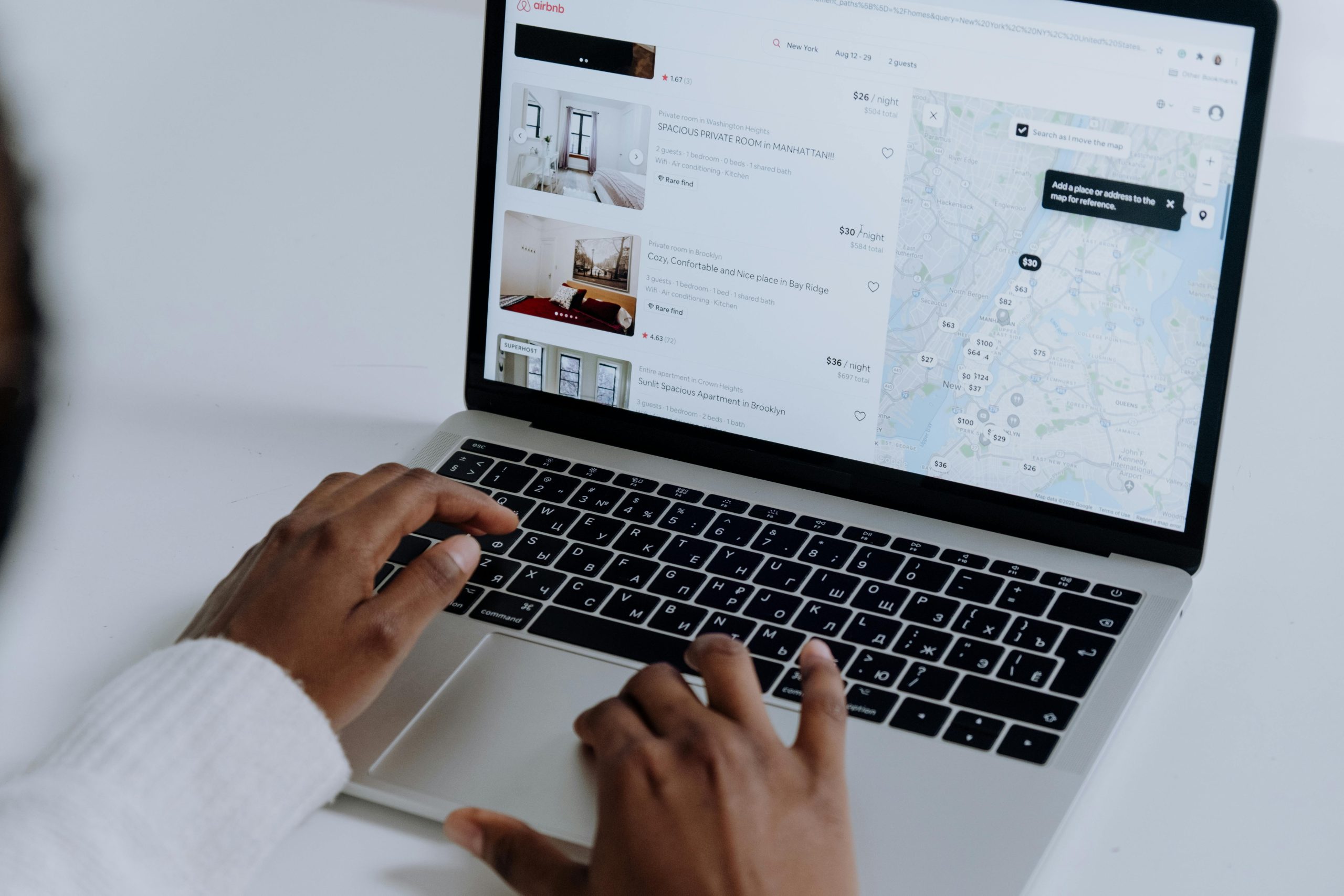
Running an online business in Dubai or anywhere in the UAE often means offering more than just products. Service-based businesses—like salons, rental companies, doctors, and event planners—need an efficient way for customers to book appointments or rentals. That’s where WooCommerce booking systems come into play.

In this blog, we’ll guide you through the steps of integrating a booking system into your WooCommerce site using simple methods and powerful WordPress plugins. Whether you’re new to e-commerce features or looking to upgrade your online store, this post is packed with practical tips.
Why Add a Booking System to Your WooCommerce Website?
A good booking system can:
- Let customers schedule appointments or reserve services 24/7
- Save time on manual coordination
- Reduce no-shows with automated reminders
- Improve customer experience and satisfaction
- Boost sales and conversions through better service flow
Businesses in Dubai and across the UAE are increasingly offering online booking as a core feature of their WooCommerce stores.
Types of Businesses That Need WooCommerce Booking
Adding a booking system is essential for:
- Salons and spas
- Clinics and health services
- Rental businesses (cars, rooms, equipment)
- Tour operators and travel agencies
- Training classes and events
- Freelancers offering hourly services
If you run any of the above in the UAE, a booking system will make your WooCommerce site more professional and user-friendly.
Best WordPress Plugins UAE Stores Can Use
Several plugins work seamlessly with WooCommerce to add booking functionality. Here are some popular options:
1. WooCommerce Bookings
- Developed by WooCommerce team
- Allows customers to book appointments, rentals, or services
- Integration with Google Calendar
- Flexible availability rules and pricing
2. Bookly
- User-friendly drag-and-drop interface
- Offers free and premium versions
- Great for service providers in Dubai like salons and tutors
- Supports SMS and email notifications
3. Amelia
- Suitable for medical clinics, gyms, or law firms in the UAE
- Clean, professional UI
- Includes built-in analytics and reporting
4. BirchPress
- Perfect for businesses offering appointment-based services
- Syncs with calendars (Google, iCal)
- Custom email notifications
How to Set Up a Booking System in WooCommerce
Follow these simple steps:
Step 1: Choose a Plugin
- Pick a plugin that fits your business needs
- Make sure it supports Arabic or multilingual support if your store has a Multi-Language WooCommerce Store Setup for UAE Audience
Step 2: Install and Activate the Plugin
- Go to your WordPress Dashboard → Plugins → Add New
- Search for your chosen plugin (e.g., “WooCommerce Bookings”)
- Click Install and then Activate
Step 3: Configure Booking Settings
- Define time slots, service durations, buffer times, and pricing
- Set up availability (e.g., working hours, off-days)
- Add holidays or specific date restrictions (ideal for Dubai-based businesses)
Step 4: Add Booking Products or Services
- Go to Products → Add New
- Choose “Bookable Product” as the type
- Input service details, images, descriptions, and booking rules
Step 5: Test Your Booking System
- Place a mock booking to test the customer experience
- Ensure confirmation emails and reminders work as expected
Useful E-Commerce Features for UAE Stores
When adding a booking system, consider these additional e-commerce features for a better customer experience:
- Multi-language support for Arabic and English audiences
- Currency switchers (Dirhams and other currencies)
- Mobile responsiveness (many UAE users browse on mobile)
- Real-time availability calendars
- Customizable time slots based on location (Dubai/UAE time)
Tips to Enhance the Booking Experience
Here are ways to improve how your WooCommerce booking system works:
- Use clear call-to-action buttons like “Book Now”
- Offer time zone displays for international customers
- Add customer reviews for each service
- Enable instant confirmations or payment-on-approval options
- Provide WhatsApp support (very popular in Dubai and the UAE)
- Link to your calendar on social media or Google Business profile
Common Mistakes to Avoid
- Not setting timezone correctly: Always use UAE timezone settings
- Not testing the checkout process: Ensure the booking and payment flow is smooth
- Overloading customers with form fields: Keep it simple and quick
- Ignoring follow-up reminders: These reduce no-shows significantly
Remember, integrating a booking system is not just a technical task—it’s also about enhancing the user experience. That ties in with the broader topic of How to Improve Checkout Experience in WooCommerce. A well-integrated booking plugin should feel like a natural part of your store’s checkout journey.
Final Thoughts
Adding a booking system to your WooCommerce website can dramatically improve customer experience, streamline your operations, and grow your revenue—especially if you’re targeting a tech-savvy market like Dubai and other UAE cities.
Whether you’re a service provider, rental business, or educator, investing in the right booking plugin and setting it up correctly can take your WooCommerce store to the next level.
By choosing powerful WordPress plugins UAE businesses rely on, and implementing smart e-commerce features, your booking system will not just function—but flourish.