

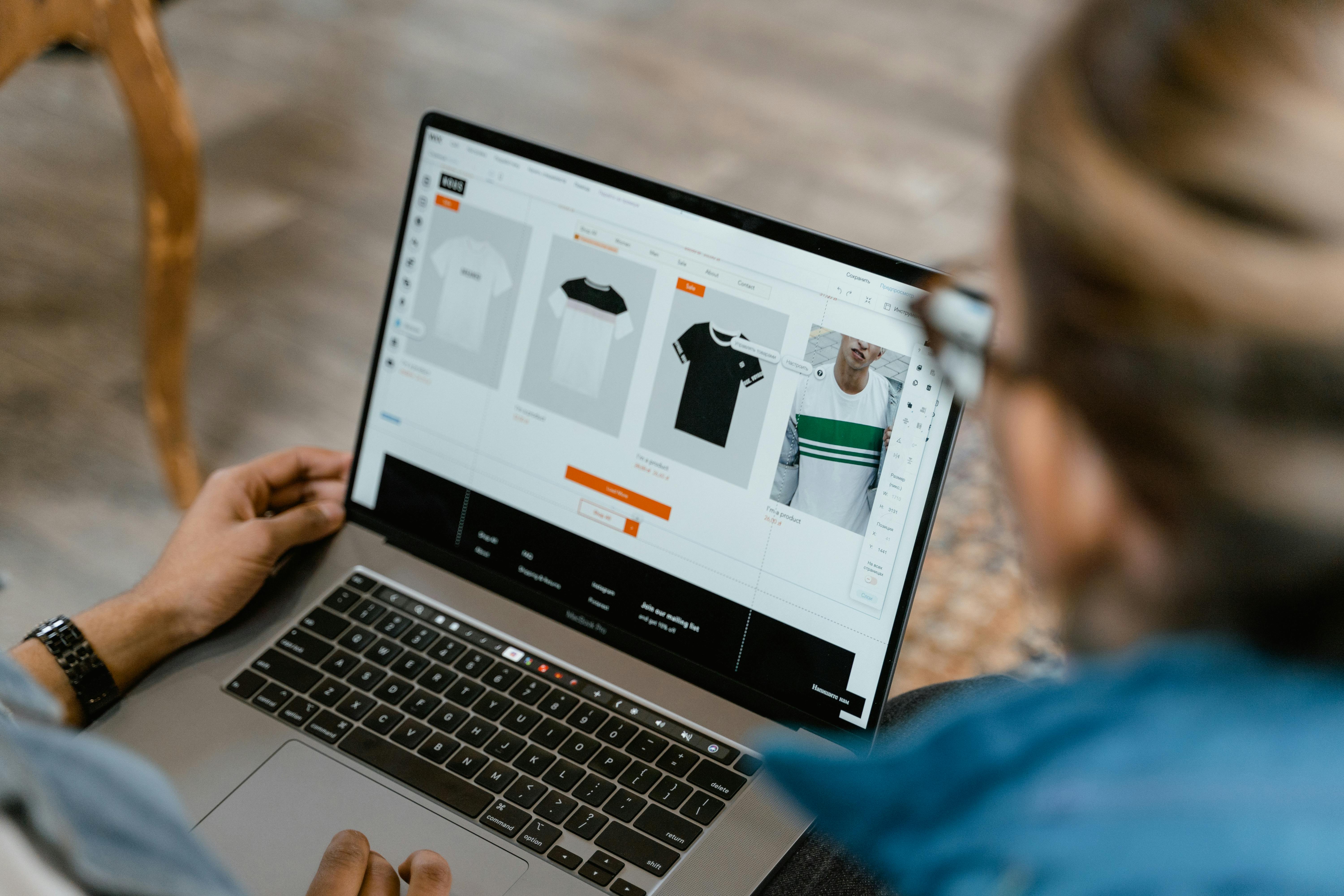
Running a WooCommerce store is not just about adding products and making sales. To keep your store running without problems, regular WooCommerce maintenance is very important.
If you ignore maintenance, your store may become slow, buggy, or even crash. This can lead to lost sales and unhappy customers. Whether your business is based in Dubai, the UAE, or anywhere else, a smooth-running store is key to success.
Let’s go through some simple and effective tips to maintain your WooCommerce store.
What is WooCommerce Maintenance?
WooCommerce maintenance means regularly checking and improving your online store so it works properly.
It includes:
- Updating software
- Fixing errors
- Improving speed
- Checking security
- Testing user experience
Regular maintenance helps you avoid big problems in the future.
Why Maintenance is Important
Without maintenance, your store can face many issues.
Common Problems
- Slow loading pages
- Broken checkout process
- Security risks
- Plugin conflicts
Benefits of Regular Maintenance
- Better performance
- More sales
- Happy customers
- Fewer technical issues
Businesses in Dubai and the UAE are growing fast online, so keeping your store in top condition gives you an advantage.
Keep Your Store Updated
One of the most important tips is to keep everything updated.
What to Update
- WooCommerce core
- Plugins
- Themes
A regular WooCommerce upgrade helps your store stay secure and efficient.
Why Updates Matter
- Fix bugs
- Add new features
- Improve compatibility
- Boost security
Always test updates before applying them to avoid issues.
How to Fix Slow WooCommerce Store Performance
A slow store can drive customers away quickly.
Common Causes of Slow Speed
- Large images
- Too many plugins
- Poor hosting
- Unoptimized database
Simple Fixes
- Compress images
- Remove unused plugins
- Use a good hosting provider
- Enable caching
Improving speed is a key part of WooCommerce maintenance and helps keep your store running smoothly.
Regularly Check for Errors
Errors can appear anytime, even without warning.
What to Check
- Broken links
- Missing images
- Error messages
- Checkout issues
Fixing these problems early is part of WooCommerce repair and prevents bigger issues later.
Optimize Your Database
Your store database stores all your data, but it can get cluttered over time.
Why Optimization is Needed
- Improves website speed
- Reduces server load
- Makes your store more efficient
What to Clean
- Old orders
- Spam comments
- Unused data
A clean database helps your store perform better.
Test the Checkout Process
The checkout process is the most important part of your store.
What to Test
- Add to cart
- Payment process
- Order confirmation
Why It Matters
- Ensures smooth transactions
- Prevents lost sales
- Builds customer trust
Regular testing helps avoid sudden failures.
Monitor Payment Gateways
Payment issues can stop your business instantly.
Common Issues
- Payments not processing
- Errors during checkout
- Gateway downtime
Maintenance Tips
- Keep payment plugins updated
- Check settings regularly
- Test transactions
If problems occur, quick WooCommerce repair can fix them before they affect your customers.
Improve Website Security
Security is a major part of WooCommerce maintenance.
Risks Without Security
- Hacking attempts
- Malware attacks
- Data breaches
How to Stay Safe
- Use strong passwords
- Install security plugins
- Enable SSL certificate
- Take regular backups
For businesses in Dubai and the UAE, secure websites build customer trust and credibility.
Take Regular Backups
Backups are essential for any online store.
Why Backups Are Important
- Protect your data
- Help recover your site quickly
- Reduce downtime
Best Practices
- Schedule automatic backups
- Store backups safely
- Test backup restoration
If anything goes wrong, backups can save your store.
Manage Plugins and Themes
Plugins and themes add features, but too many can cause issues.
Tips for Better Management
- Use only necessary plugins
- Delete unused ones
- Choose trusted themes
This reduces conflicts and keeps your store stable.
Check Mobile Responsiveness
Many customers shop using mobile devices.
What to Check
- Mobile design
- Page speed on phones
- Easy navigation
Benefits
- Better user experience
- Higher sales
- Improved search rankings
A mobile-friendly store is very important, especially in fast-growing markets like the UAE.
Monitor Website Uptime
Your store should always be available to customers.
Why Uptime Matters
- Prevents lost sales
- Improves trust
- Keeps your business running
How to Monitor
- Use uptime monitoring tools
- Get alerts for downtime
- Fix issues quickly
Plan Regular WooCommerce Upgrade
A planned WooCommerce upgrade keeps your store modern and efficient.
Advantages
- Better performance
- New features
- Improved security
Avoid skipping updates, as it can lead to compatibility issues.
When You Need WooCommerce Repair
Sometimes problems need immediate attention.
Signs You Need Repair
- Website crashes
- Broken checkout
- Plugin errors
- Slow performance
Quick WooCommerce repair ensures your store gets back to normal fast.
Simple Maintenance Checklist
Here’s an easy checklist you can follow:
- Update WooCommerce regularly
- Test your website speed
- Check checkout process
- Monitor payments
- Backup your data
- Scan for security issues
- Remove unused plugins
Following this checklist can prevent major problems.
Final Thoughts
Maintaining your WooCommerce store does not have to be difficult. With regular WooCommerce maintenance, timely WooCommerce upgrade, and proper WooCommerce repair, you can keep your store running smoothly.
A well-maintained store loads faster, works better, and keeps customers happy. This is especially important in competitive markets like Dubai and the UAE.
Start following these simple tips today, and you will see better performance, fewer issues, and more success in your online business.