

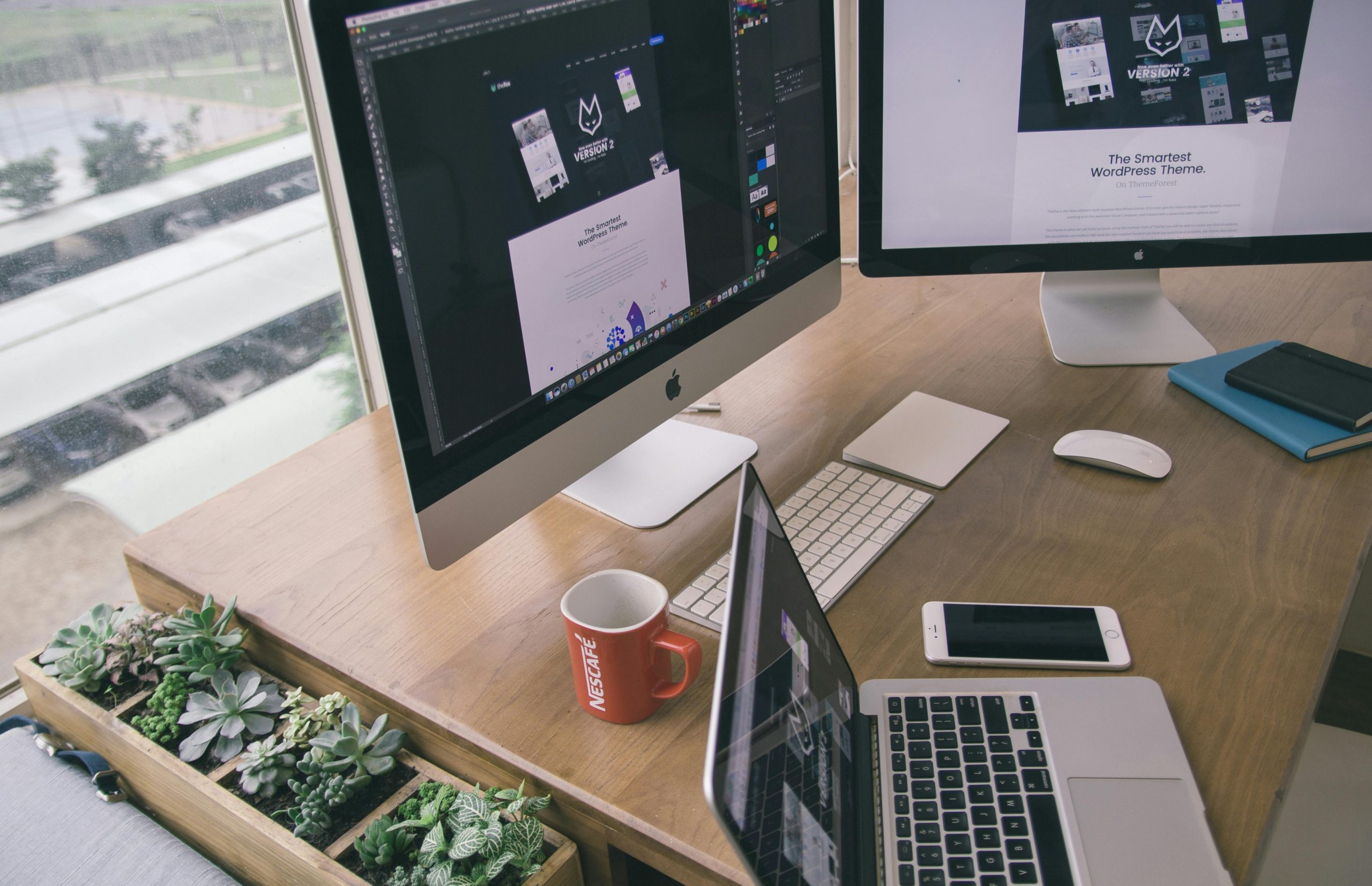
Running an online store is not a one-time task. Whether your business is in Dubai, the UAE, or anywhere else, keeping your WooCommerce store updated is important for growth. Many store owners often get confused between a WooCommerce upgrade and a redesign.
Both are useful, but they serve different purposes. In this blog, we will explain the difference in simple terms so you can decide what your store really needs.
What is a WooCommerce Upgrade?
A WooCommerce upgrade means updating your store’s system without changing its overall look.
It focuses on improving how your website works rather than how it looks.
Key Features of WooCommerce Upgrade
-
Updating WooCommerce to the latest version
-
Updating themes and plugins
-
Fixing bugs and errors
-
Improving security
-
Enhancing website speed
When Do You Need a WooCommerce Upgrade?
You should consider a WooCommerce upgrade when:
-
Your site is slow
-
You see errors or broken features
-
Plugins are outdated
-
Security risks are increasing
-
Payments or checkout are not working properly
What is a WooCommerce Redesign?
A WooCommerce redesign means changing the look and feel of your website.
It focuses on user experience and design rather than technical updates.
Key Features of WooCommerce Redesign
-
New layout and design
-
Better navigation
-
Mobile-friendly improvements
-
Updated branding
-
Improved user experience
When Do You Need a Redesign?
You should go for a redesign when:
-
Your website looks outdated
-
Customers find it hard to navigate
-
Your brand has changed
-
Your bounce rate is high
-
You want a fresh, modern look
WooCommerce Upgrade vs Redesign: Main Differences
Here is a simple comparison to help you understand better:
WooCommerce Upgrade
-
Focuses on performance and functionality
-
Keeps the same design
-
Improves speed and security
-
Fixes technical issues
-
Lower cost compared to redesign
WooCommerce Redesign
-
Focuses on appearance and user experience
-
Changes the layout and design
-
Improves visual appeal
-
May include new features
-
Usually more expensive
How a WooCommerce Upgrade Improves Store Speed and Performance
Upgrading your WooCommerce store plays a big role in improving speed and performance.
Here’s how it helps:
-
Removes outdated code that slows down your site
-
Updates plugins for better compatibility
-
Improves loading time
-
Fixes bugs that affect performance
-
Enhances server communication
A faster website means:
-
Better user experience
-
Higher conversion rates
-
Improved search engine ranking
Even businesses in competitive markets like Dubai and the UAE rely on regular upgrades to stay ahead.
What is WooCommerce Repair?
WooCommerce repair is about fixing specific problems in your store.
It is usually done when something is broken or not working properly.
Common WooCommerce Repair Tasks
-
Fixing checkout errors
-
Repairing broken pages
-
Resolving payment gateway issues
-
Fixing plugin conflicts
-
Restoring website after a crash
When Do You Need WooCommerce Repair?
-
Your website suddenly stops working
-
Customers cannot place orders
-
Pages are showing errors
-
Your store crashes
Repair is often urgent and should be handled quickly to avoid loss of sales.
What is WooCommerce Maintenance?
WooCommerce maintenance is an ongoing process to keep your store running smoothly.
It includes regular updates, monitoring, and small fixes.
Key WooCommerce Maintenance Tasks
-
Regular updates of plugins and themes
-
Security checks
-
Backup management
-
Speed optimization
-
Monitoring site performance
Benefits of WooCommerce Maintenance
-
Prevents major issues
-
Keeps your site secure
-
Improves performance
-
Ensures smooth customer experience
Many businesses in the UAE invest in WooCommerce maintenance services to avoid unexpected problems.
Upgrade, Repair, or Redesign: What Should You Choose?
Choosing between upgrade, repair, and redesign depends on your situation.
Choose WooCommerce Upgrade if:
-
Your store is slow
-
You want better performance
-
Your system is outdated
Choose WooCommerce Repair if:
-
Something is broken
-
Your site is not functioning properly
-
You need urgent fixes
Choose WooCommerce Redesign if:
-
Your website looks old
-
You want a fresh brand image
-
You want better user experience
Can You Combine Upgrade and Redesign?
Yes, you can do both at the same time.
In fact, many businesses choose to upgrade and redesign together for better results.
Benefits of Combining Both
-
Better performance and appearance
-
Improved customer experience
-
Higher conversions
-
Future-ready website
For example, a growing business in Dubai may upgrade its WooCommerce system and redesign its store to attract more customers.
Cost Comparison
Understanding the cost can help you decide better.
WooCommerce Upgrade
-
Usually affordable
-
Depends on number of updates
-
Quick process
WooCommerce Repair
-
Cost depends on the issue
-
Urgent fixes may cost more
WooCommerce Redesign
-
Higher cost
-
Depends on design complexity
-
Takes more time
Final Thoughts
Both WooCommerce upgrade and redesign are important, but they serve different purposes.
-
Upgrade improves performance
-
Repair fixes problems
-
Maintenance keeps everything running smoothly
-
Redesign improves appearance
If your store is slow or facing issues, start with a WooCommerce upgrade or repair. If your store looks outdated, go for a redesign.
A smart approach is to combine WooCommerce maintenance with regular upgrades. This keeps your store fast, secure, and ready for growth—whether you are running your business locally or in competitive markets like Dubai and the UAE.